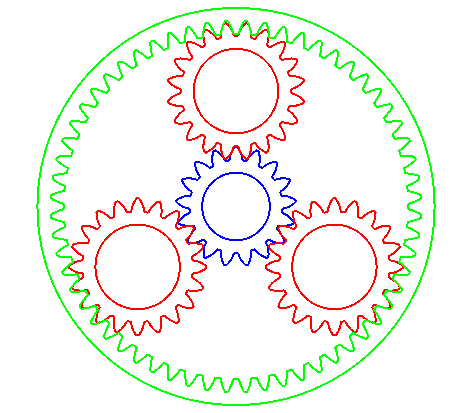
Menu "Graphics/Geometry 2D":
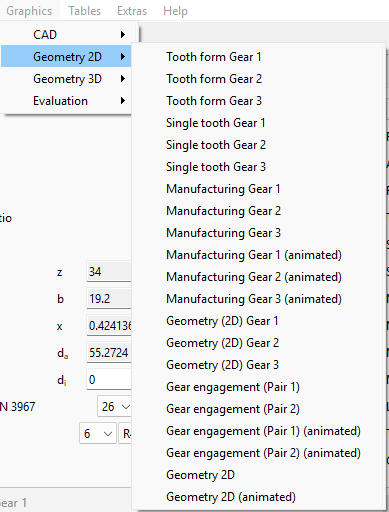
The respective graphics show
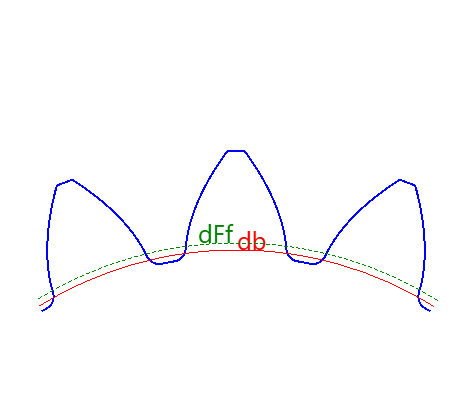
•Tooth form: Shows a few teeth of the selected gear. See top left.
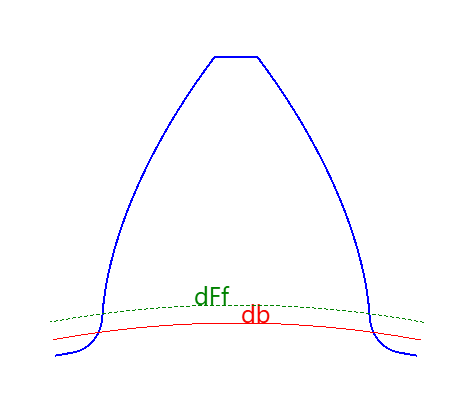
•Single tooth: Shows a single tooth, transverse section, of the selected gear. See top right.
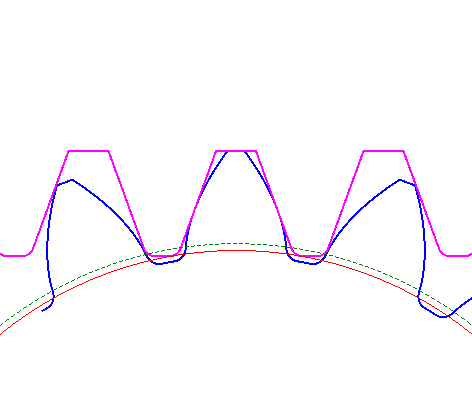
•Manufacturing: Shows tooth gaps and the tool in interaction for the selected gear. See middle left.
•Manufacturing (animated): Same as "Manufacturing", animated.
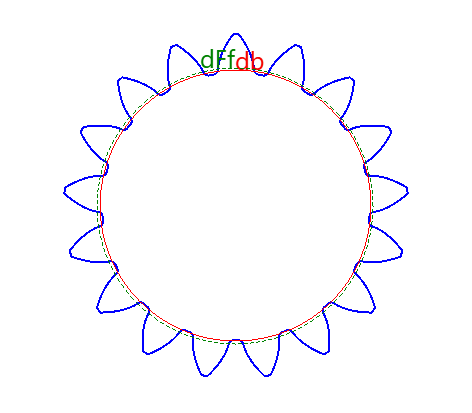
•Geometry (2D): Shows the transverse section of the selected gear. See middle right.
•Gear engagement: Shows the mesh between sun and planet, in transverse section. See bottom left.
•Gear engagement (animated): Same as "Gear engagement", animated.
•Geometry 2D: Shows the planetary gearset, in transverse section. See bottom right.
•Geometry 2D (animated): Same as "Geometry 2D", animated.
For editing the graphics, note the information here.