If flag "Consider load spectrum" is active in tab "General", an additional tab "Load spectrum" is added to the calculation.
The first column "Frequency" has to sum up to 100% (or less) over the load spectrum elements.
Additional columns can be added using the context menu with the right mouse button.
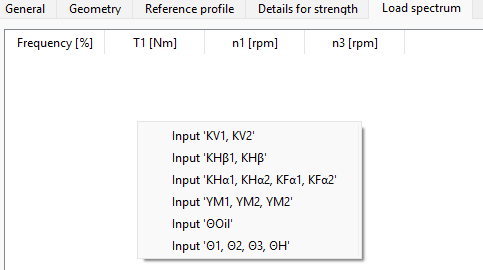
Then, additional input for e.g. dynamic factor, face load factor, ... are possible.
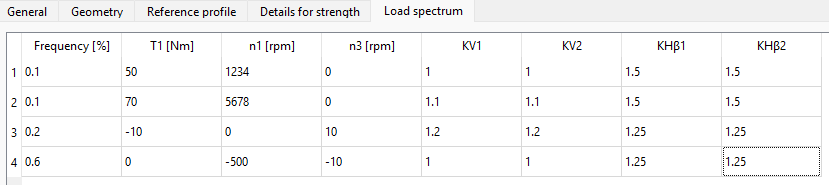
Rows can be added using the  -button or a selected row can be deleted using the
 -button. The
 -button clears all the inputs.
Using the  -button, the load spectrum is read from a file. The columns that are currently shown with its units have to be used for the input file. As the data from the file is added to the inputs, you must clear the inputs first to define a full load spectrum. Likewise, a created load spectrum table can be exported with the corresponding
 -button.
Flank (pitting) and root (bending) strength is calculated using load spectrum with Miner's rule as defined in ISO 6336-6. Scuffing safety factors are calculated for each bin in the load spectrum separately and the minimum value is used as resulting safety factor.